Welcome!
Learn how to collect your photos
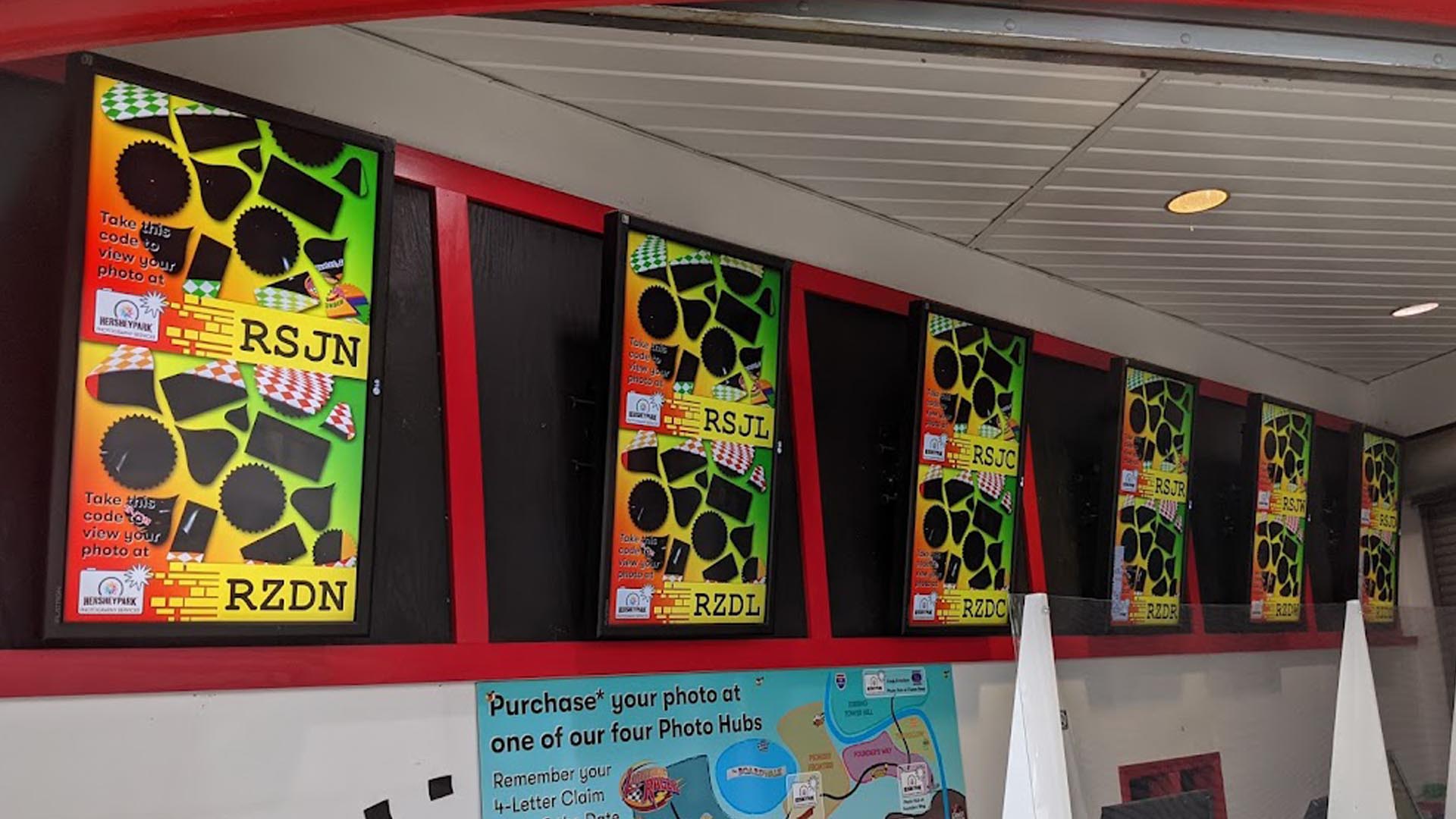
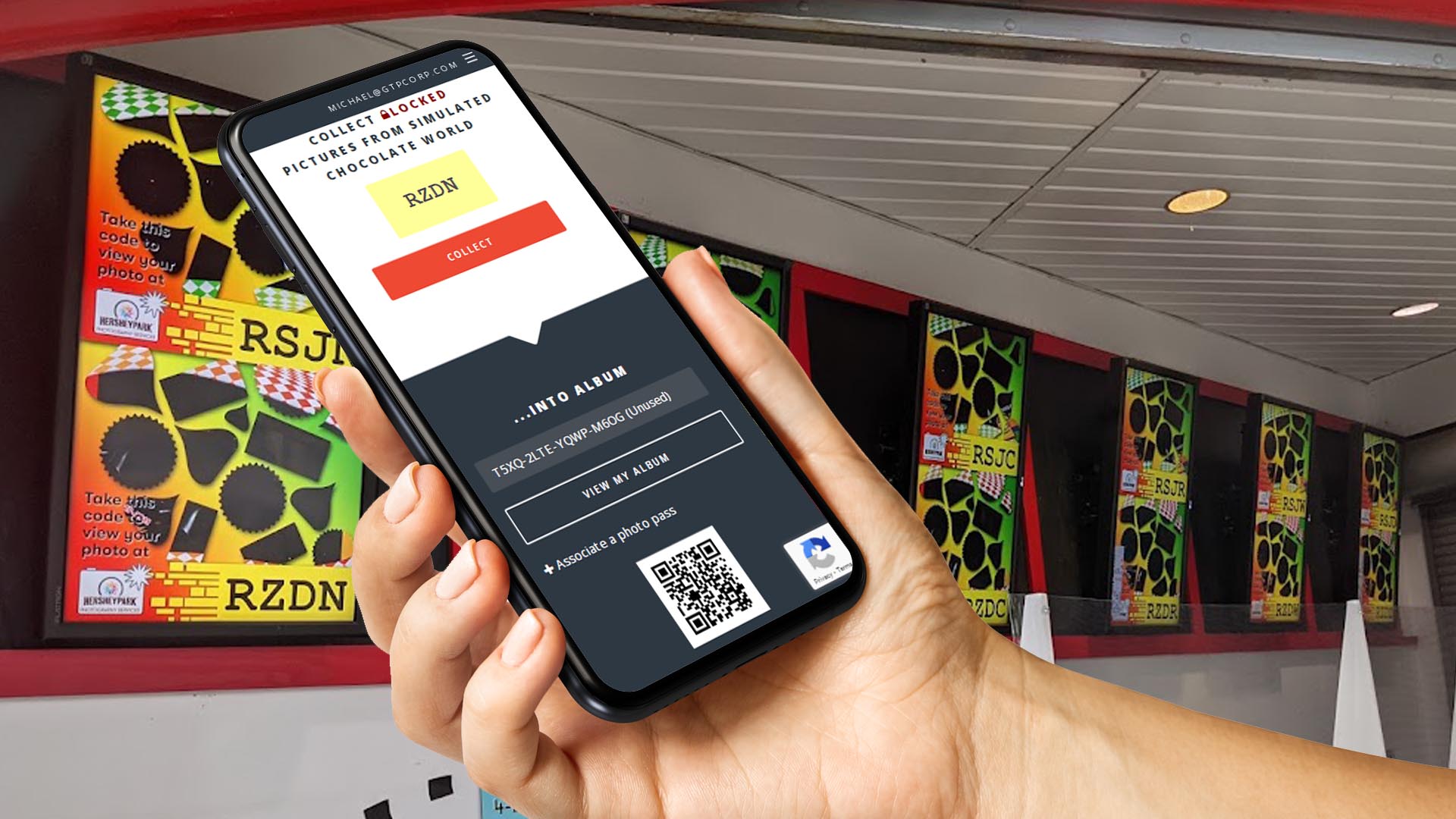
Step 2 - Collect Your Photo
Open your phone's camera and zoom in to your photo's QR code. Tap the website link to collect your photo. You must collect your photo immediately while it is on the screen.
Step 3 - Get The Picture
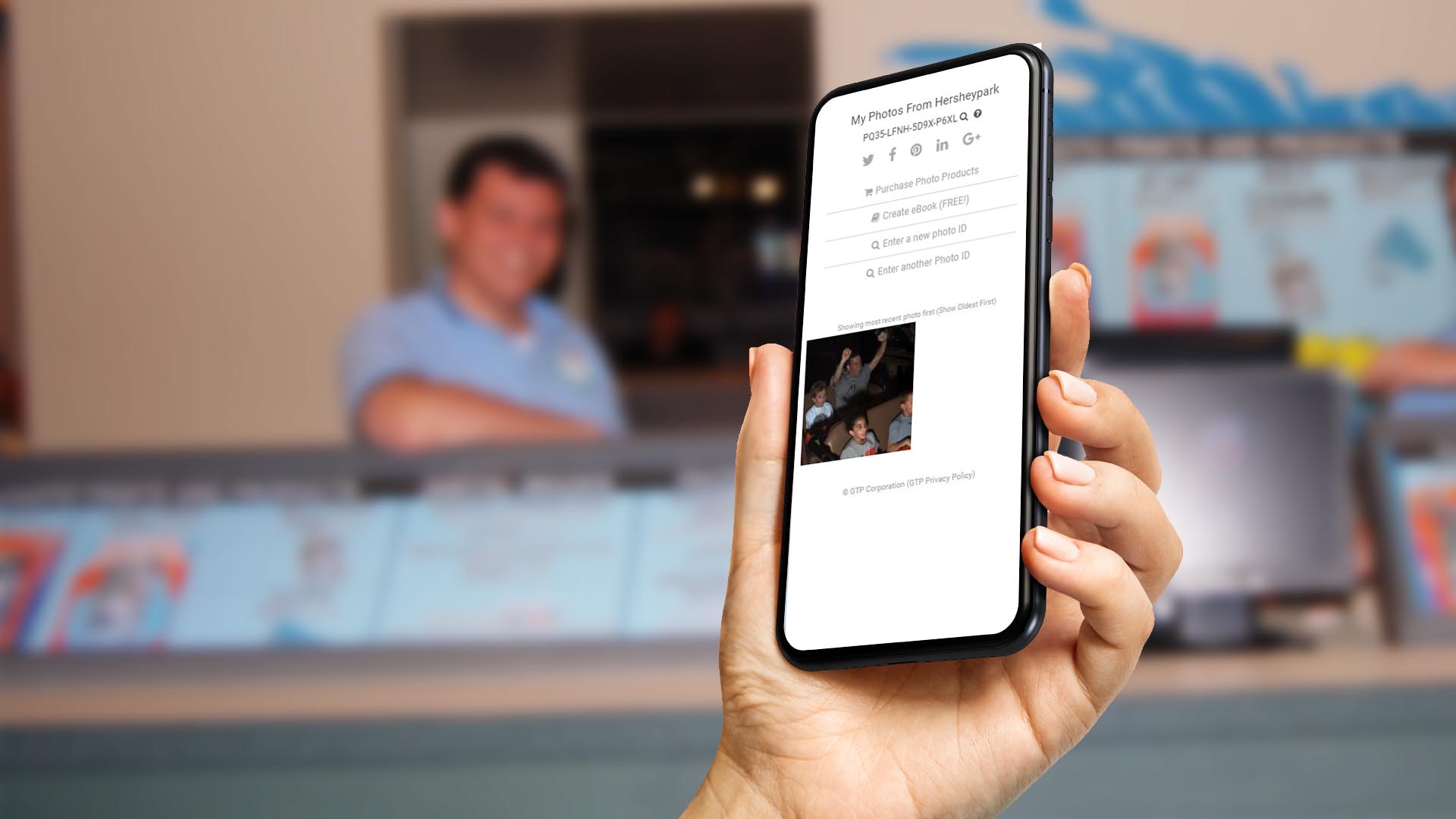
Your picture will appear in your album within 24 hours (why the delay?)
If you have a photo pass, you can download your picture as soon as it appears in your album.
If you don't have a photo pass, stop by any staffed photo stand or Photo Hub during your visit to purchase a Photo Pass
We're Here To Help
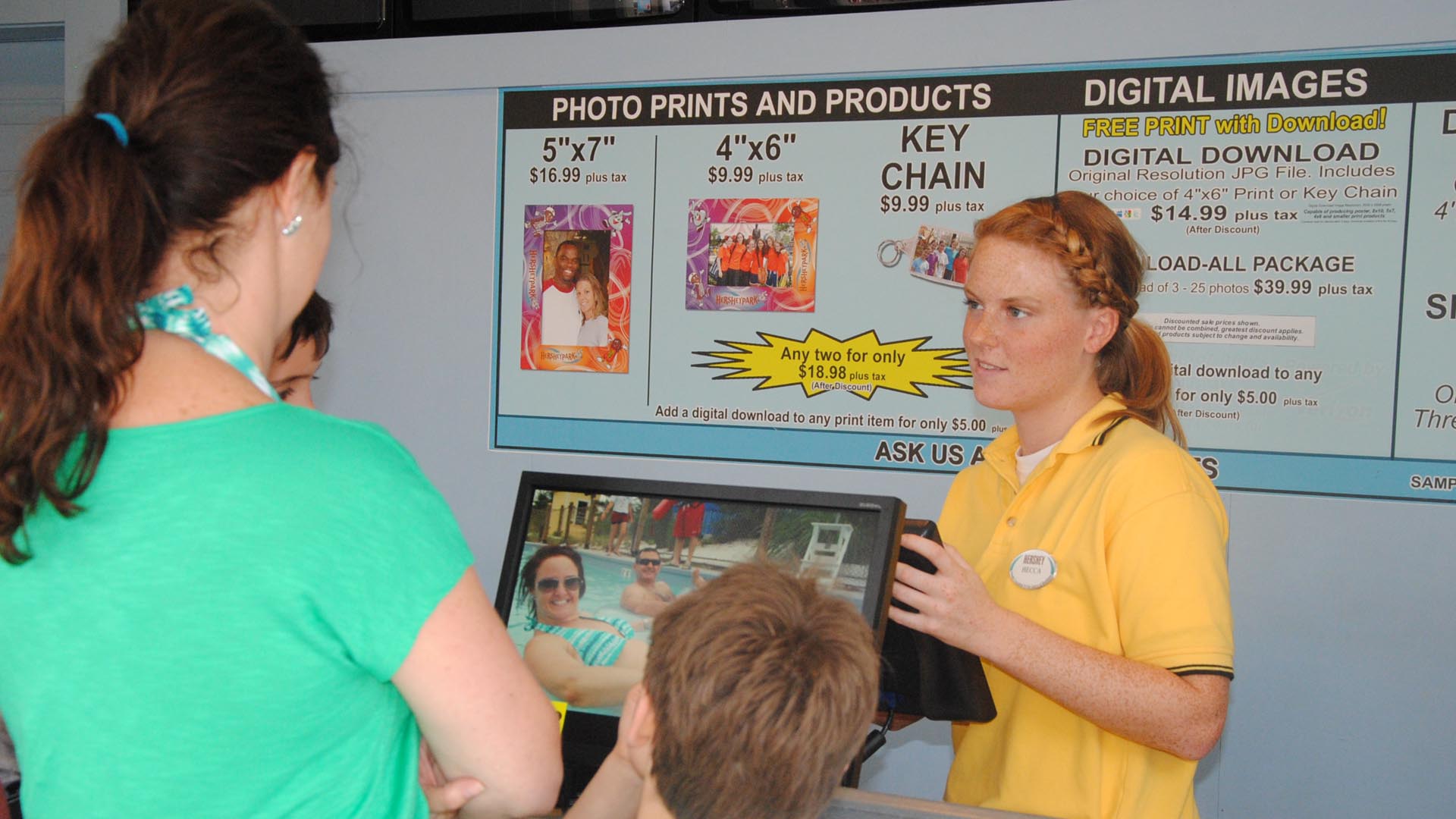
Bring your device to any staffed photo booth to view and purchase all of your photos, and find any others that you may have missed.
Purchase a photo pass at any Photo Hub or Photo Booth
If you purchased a photo pass voucher online, you must redeem the voucher for a photo pass at any Photo Hub or Photo Booth